Loading Pulse 360…

Welcome to Pulse 360°
Your unified Microsoft update dashboard
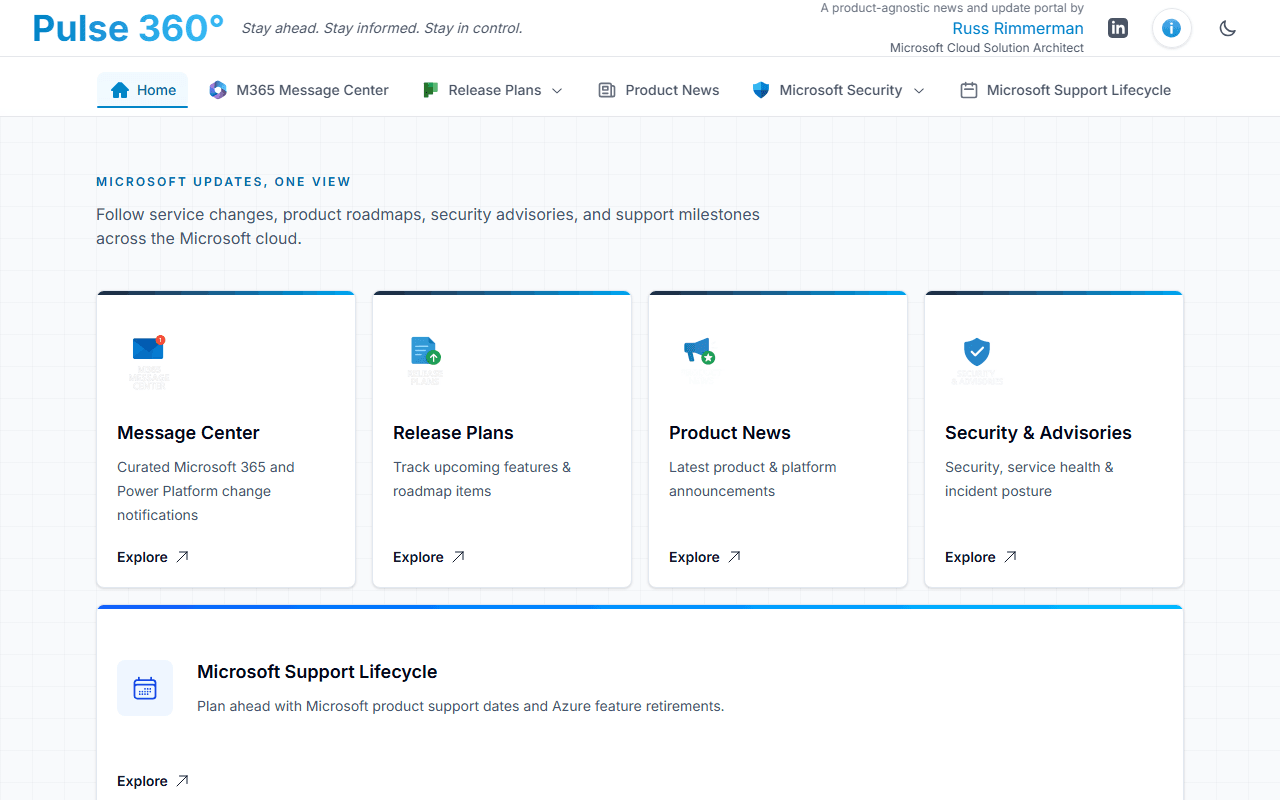
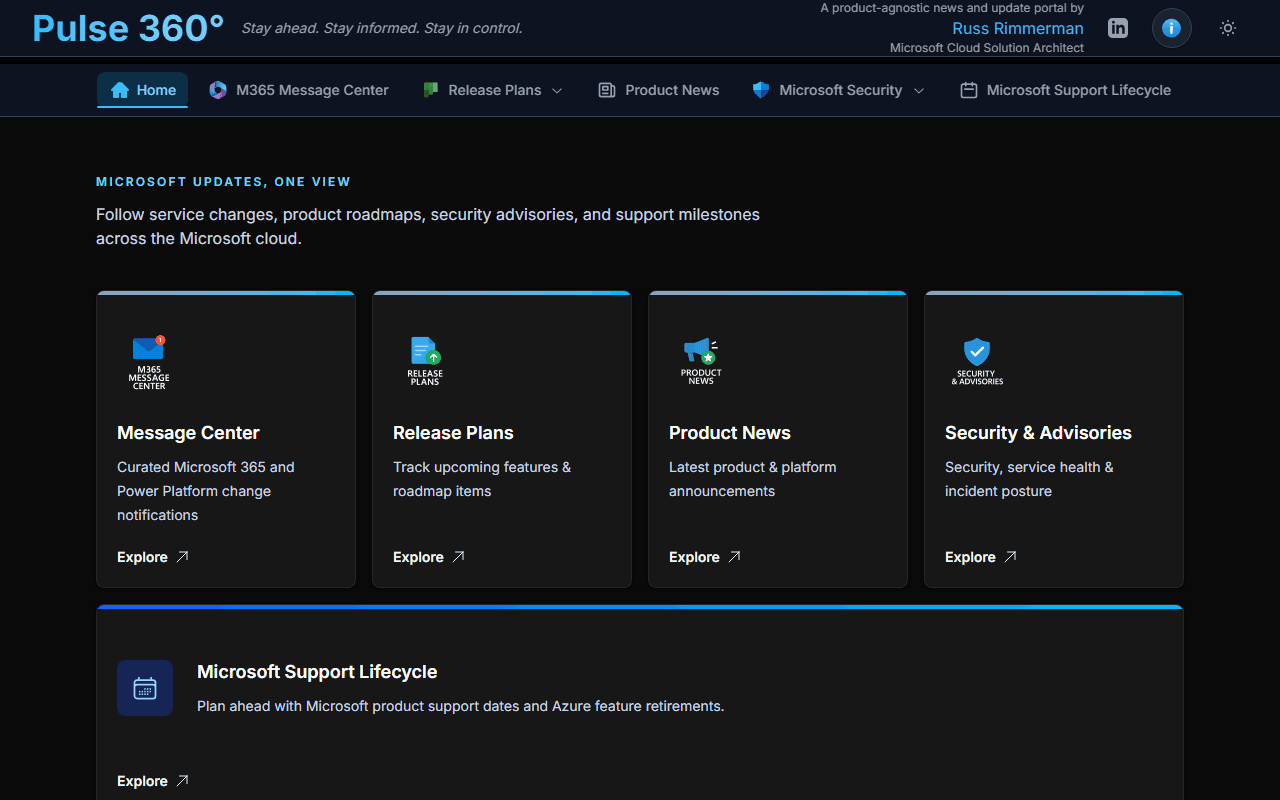
Pulse 360° is a single-pane-of-glass dashboard that aggregates Microsoft's official update streams — Microsoft 365, Azure, Fabric, Power Platform, Dynamics 365, Copilot, security advisories, and more — into one fast, searchable, filterable interface with full dark-mode support.
Capabilities
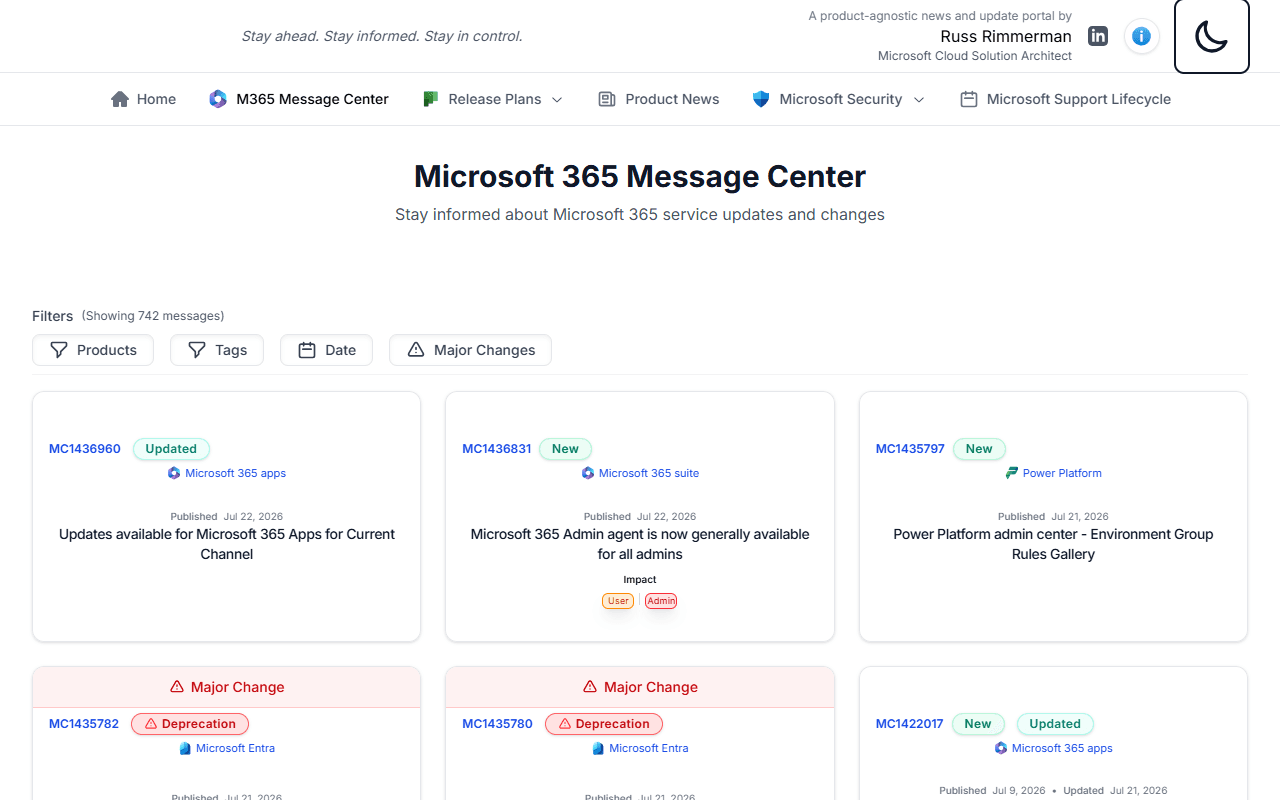
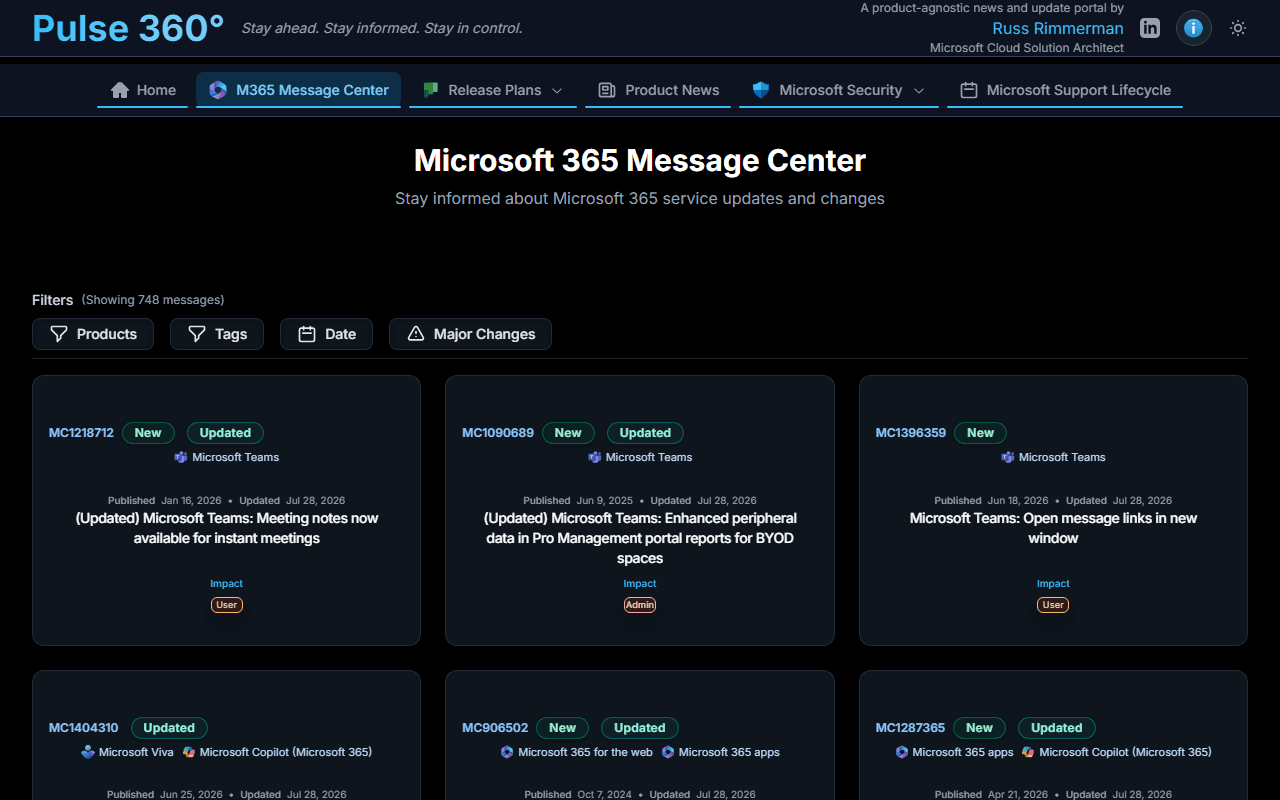
📬 Message Center
Live Microsoft 365 tenant messages pulled directly from Microsoft Graph. Search and filter by product, service area, or impact level. Each message drills through to a full detail view with action type, impact, and last-updated timestamps.
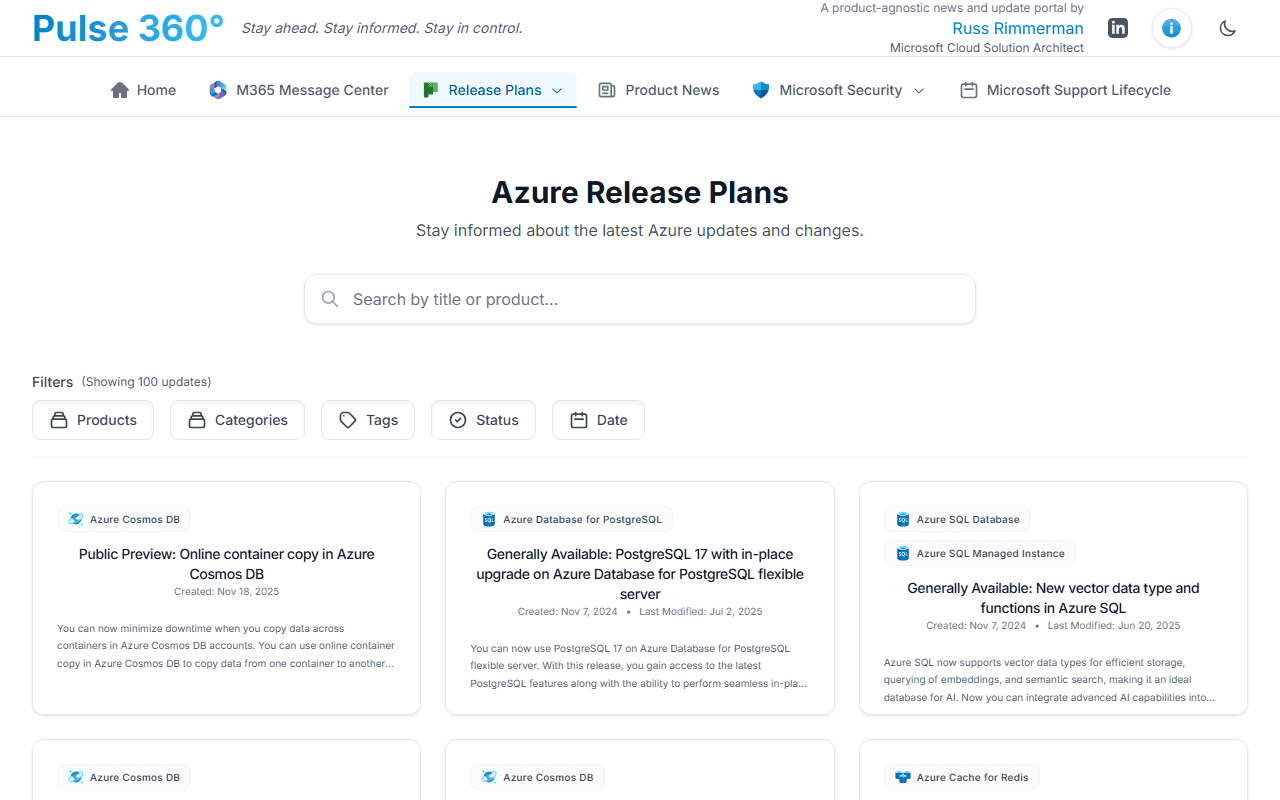
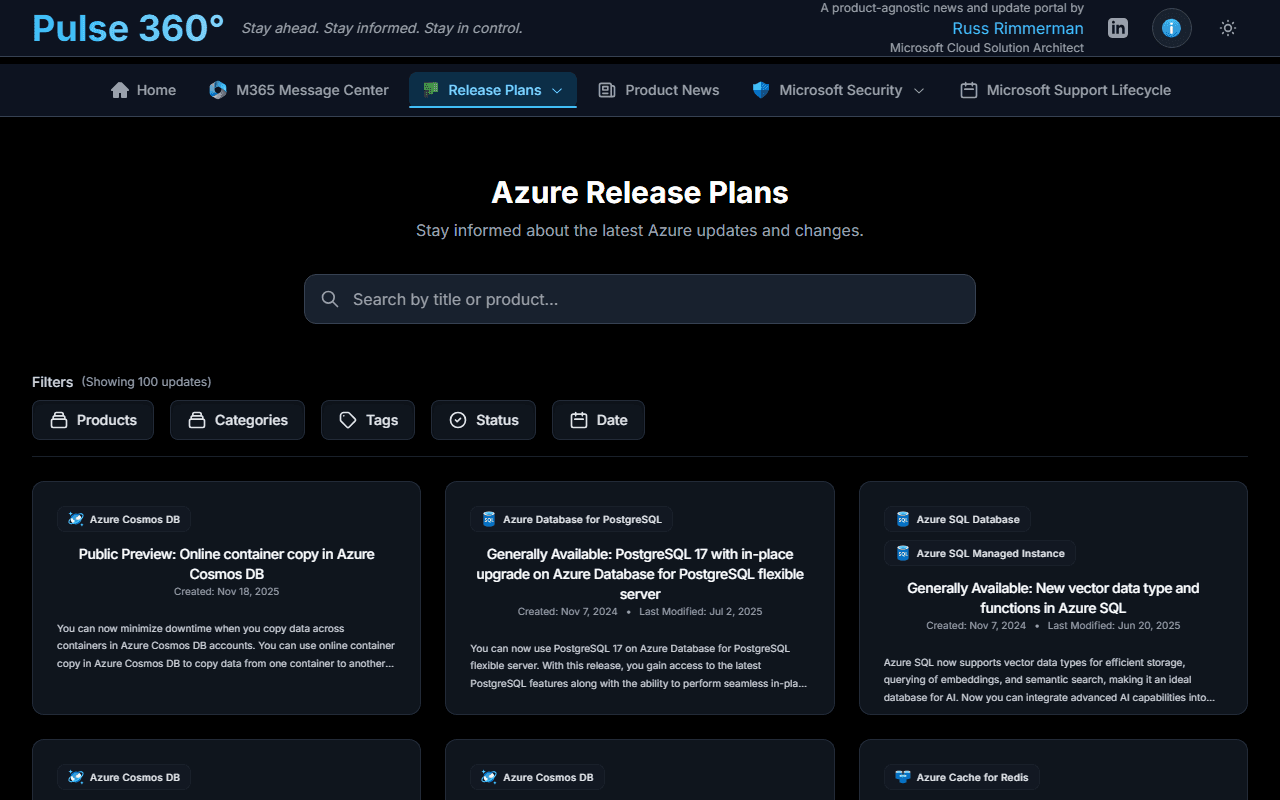
🔵 Azure Updates
The complete Azure product update feed with per-item detail pages. Filter by product tag, search by keyword, and sort by publish date.
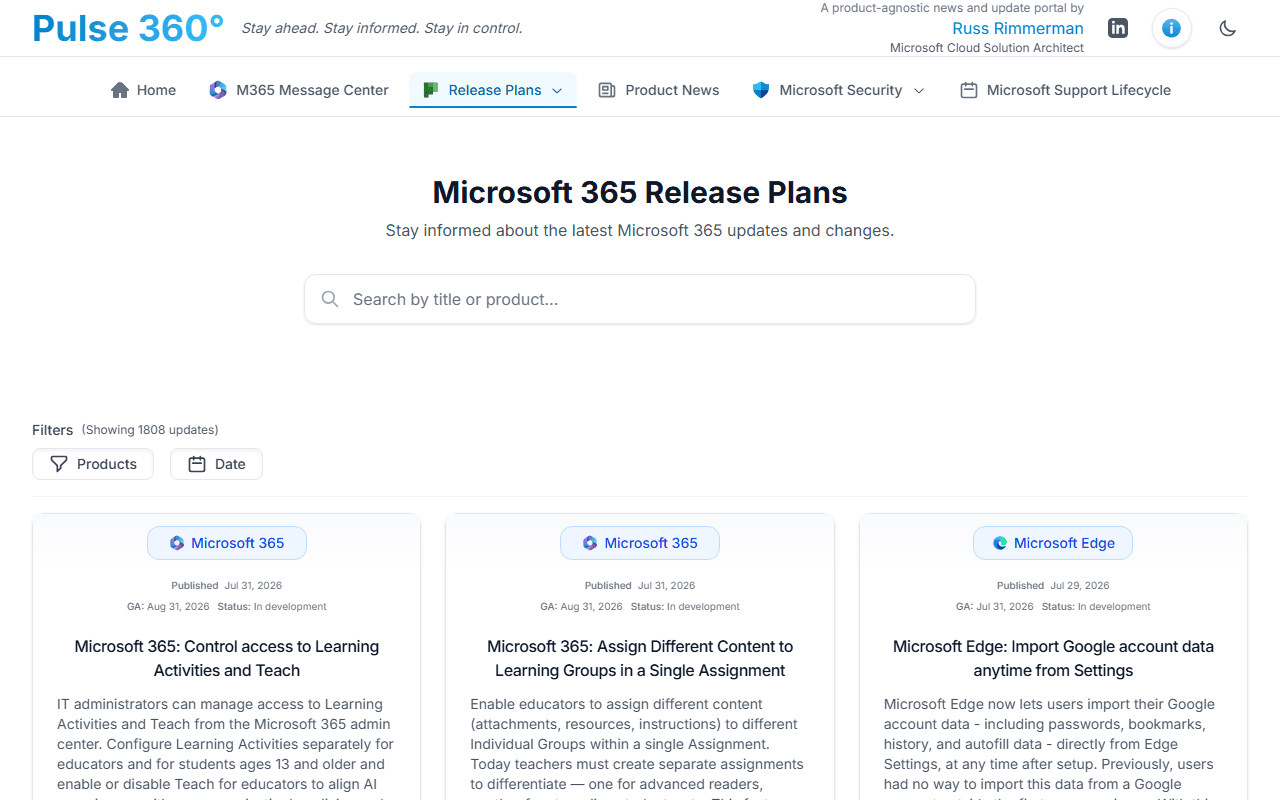
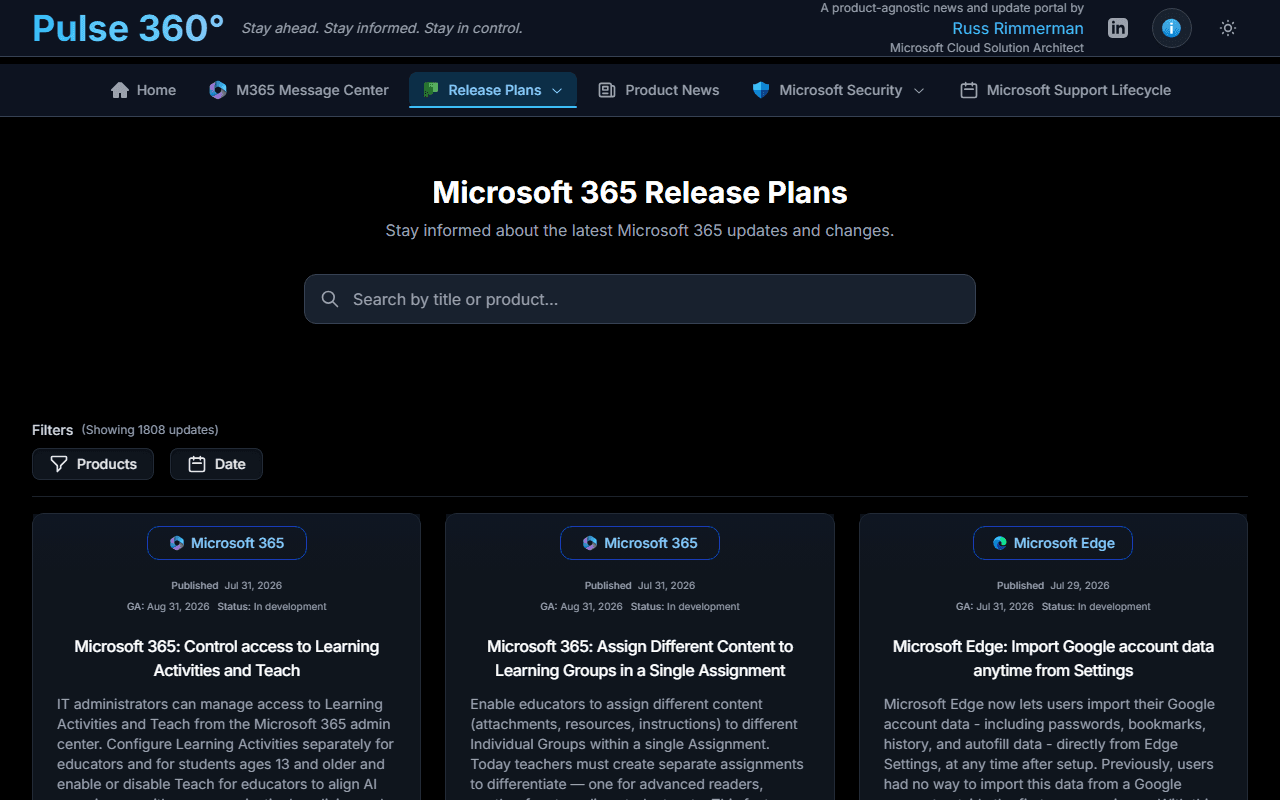
🟦 Microsoft 365 Updates
M365 service update announcements with the same search-and-filter experience as Azure Updates. Covers Exchange, Teams, SharePoint, and all M365 services.
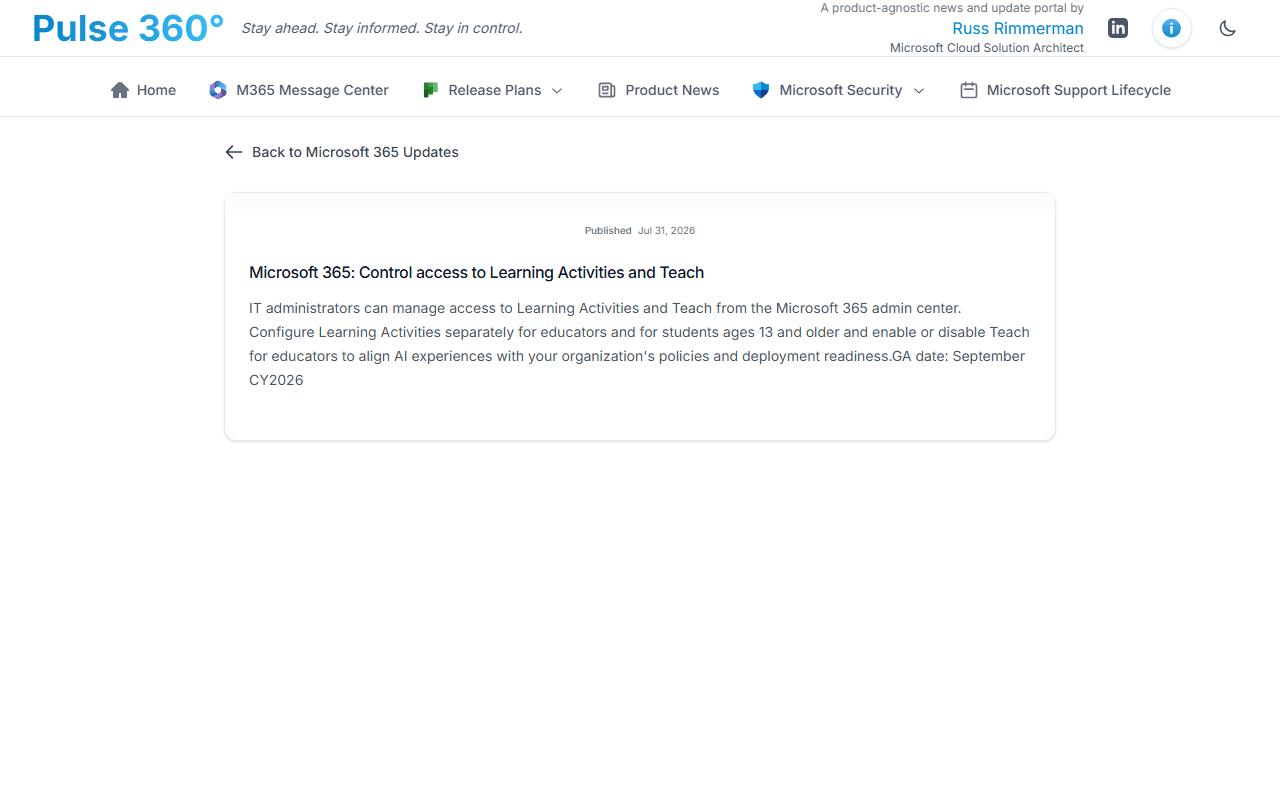
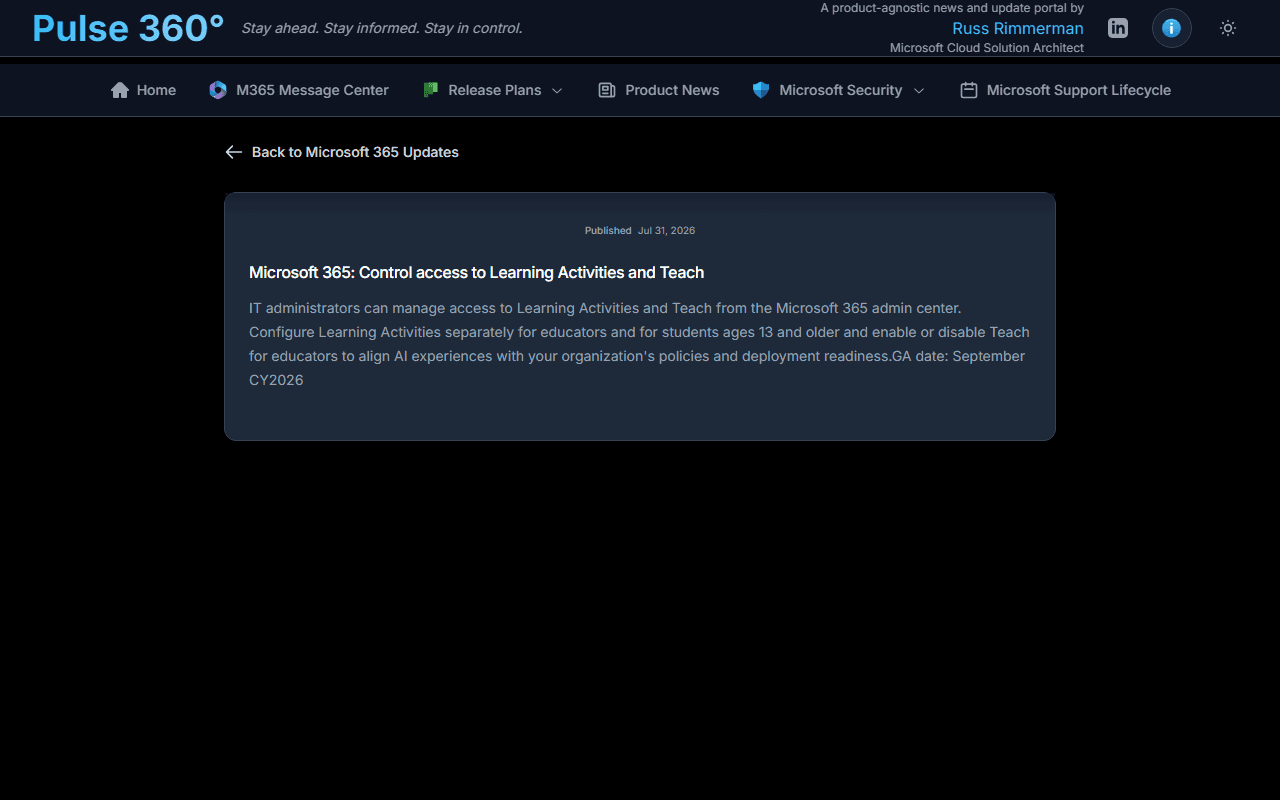
🛡️ MSRC Security Updates
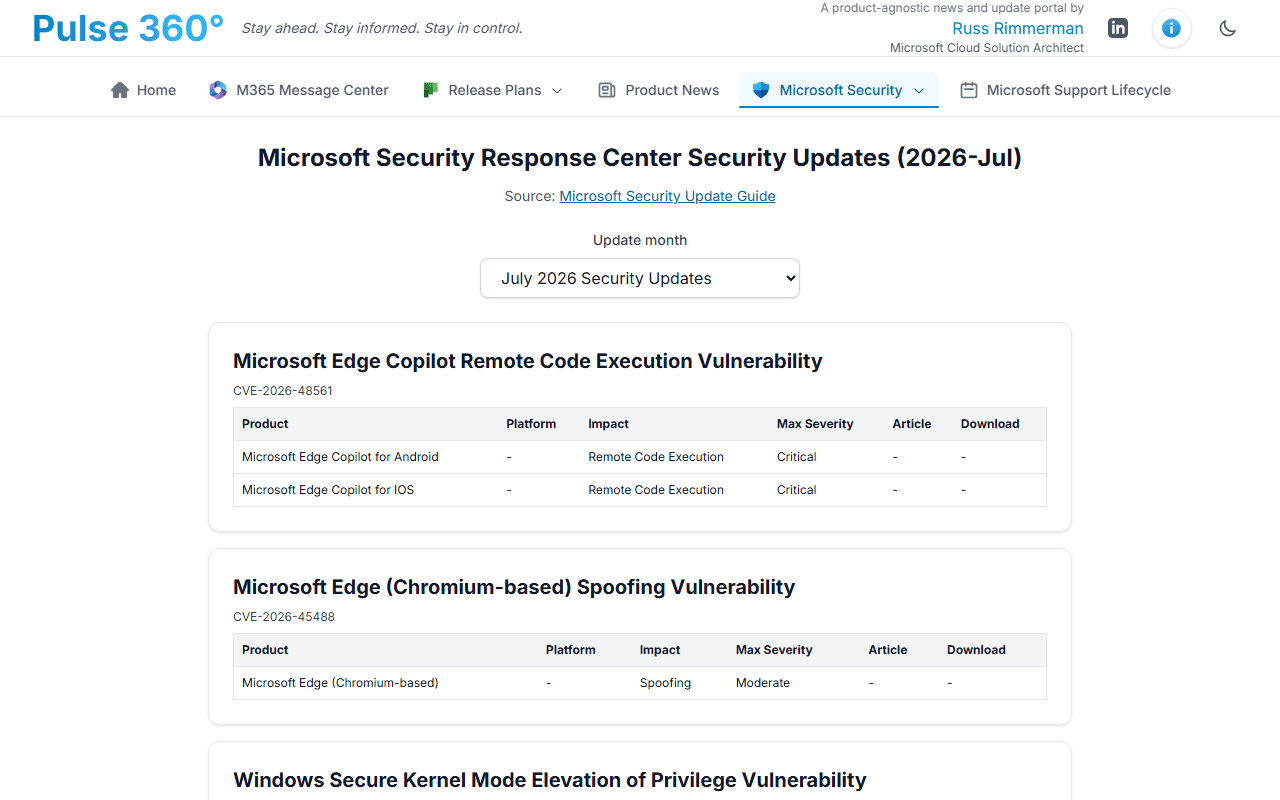
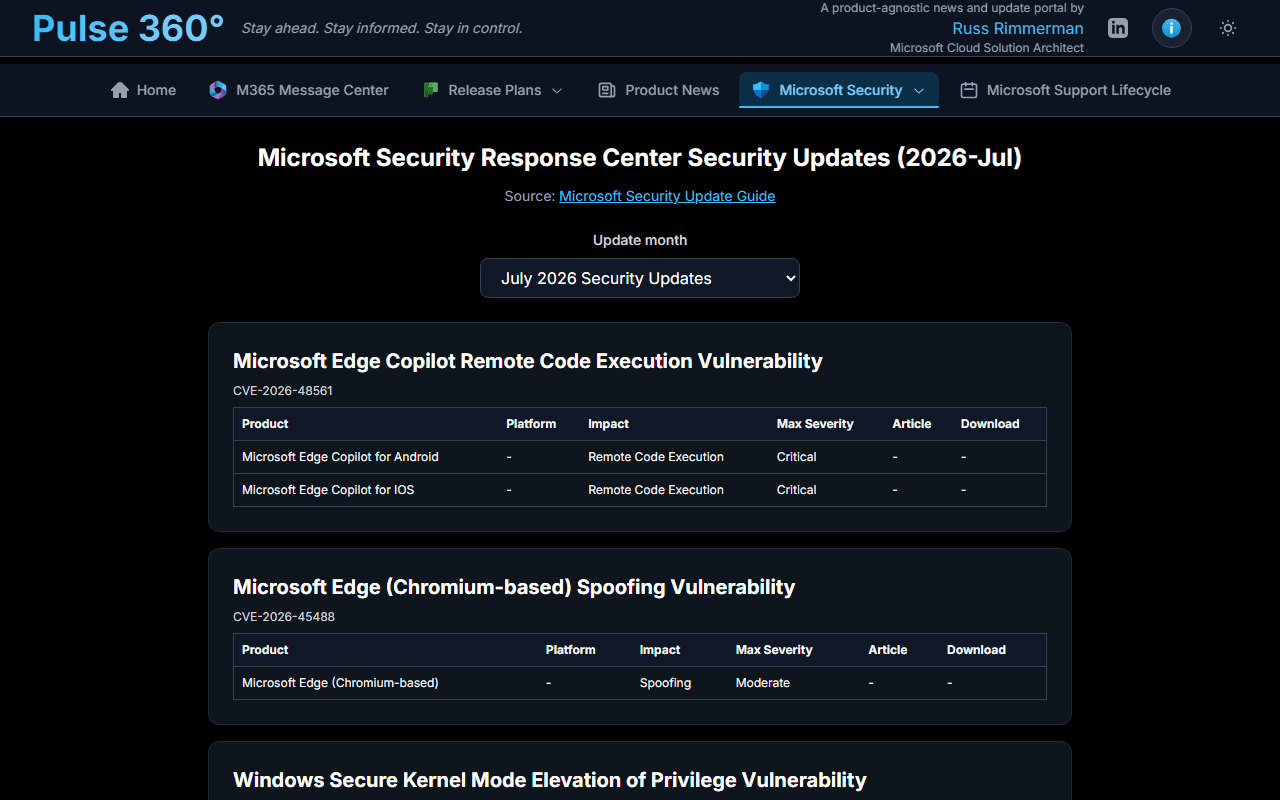
The Microsoft Security Response Center CVRF feed with a month picker. Browse every published CVE by month, expand individual entries to see affected products, max severity, CVSS score, KB article links, downloadable patches, weakness (CWE) info, and full revision history.
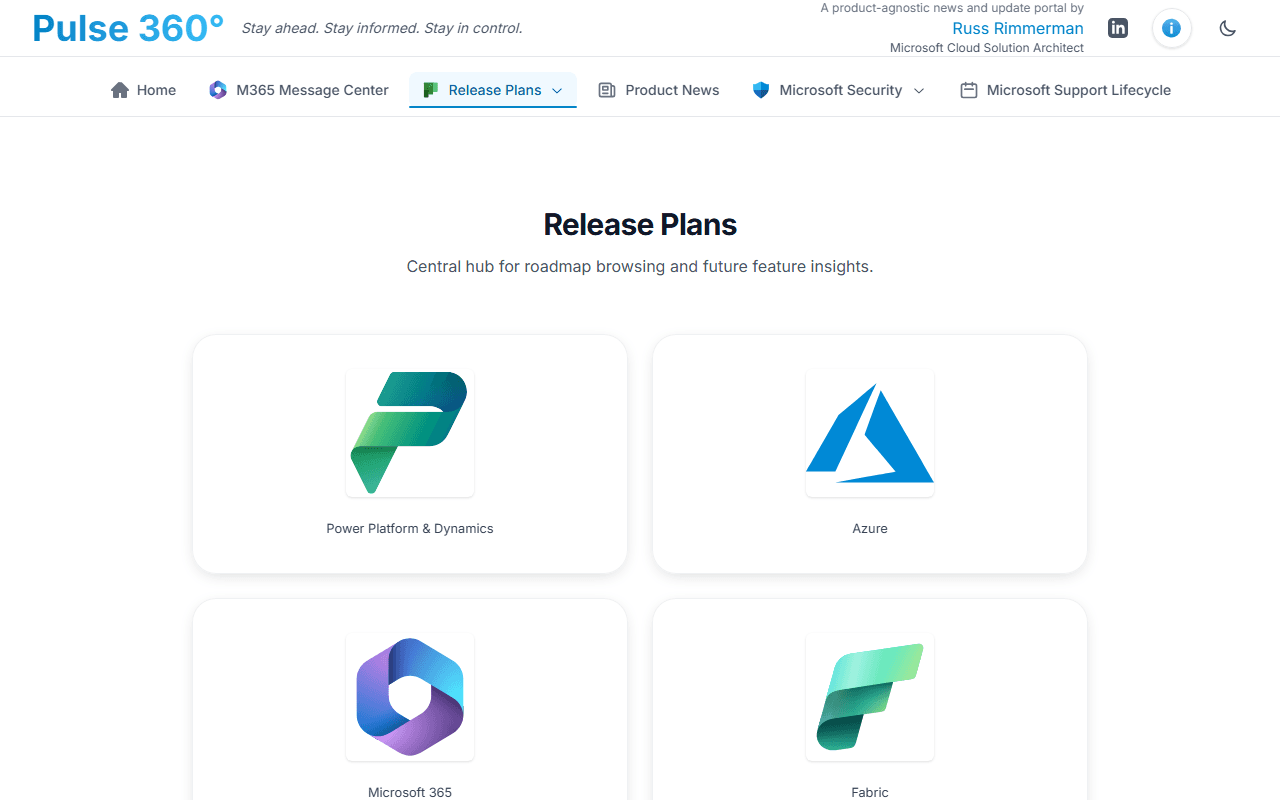
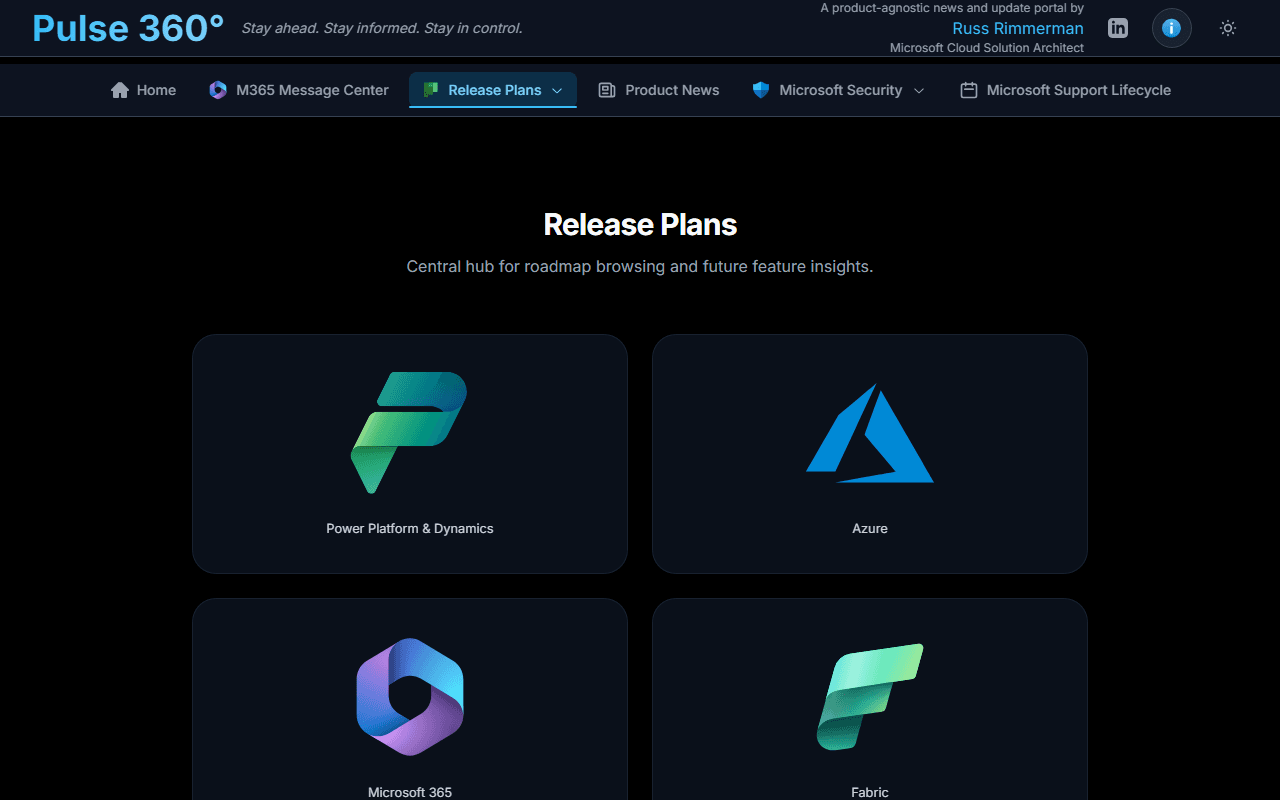
🗺️ Release Plans
Forward-looking release planners for four product families — Azure, Microsoft 365, Microsoft Fabric, and Dynamics 365 / Power Platform — plus a combined roadmap view. Each plan item links to a detail page with full description, timeline, and product context.
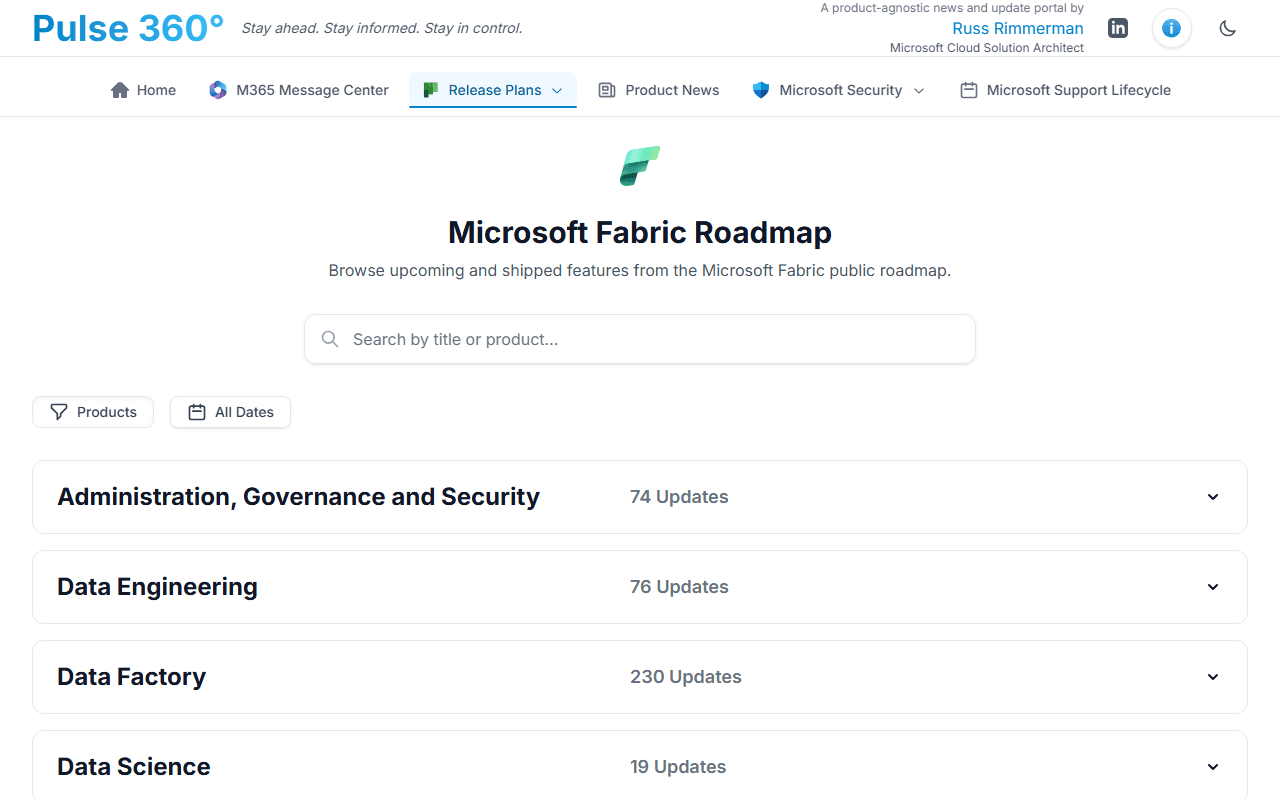
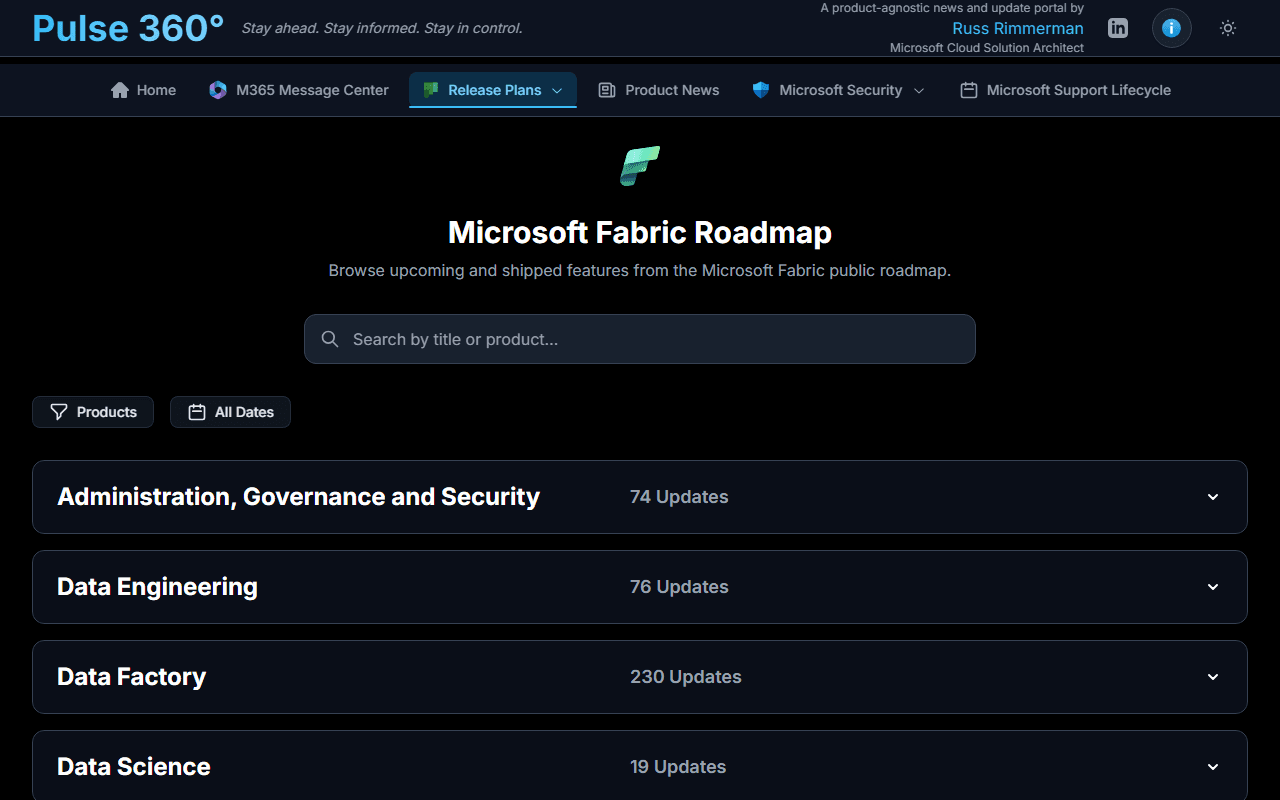
🧵 Fabric & Power Platform Roadmap
The official Fabric and Power Platform roadmap grouped by product area with collapsible sections and drill-through detail pages.
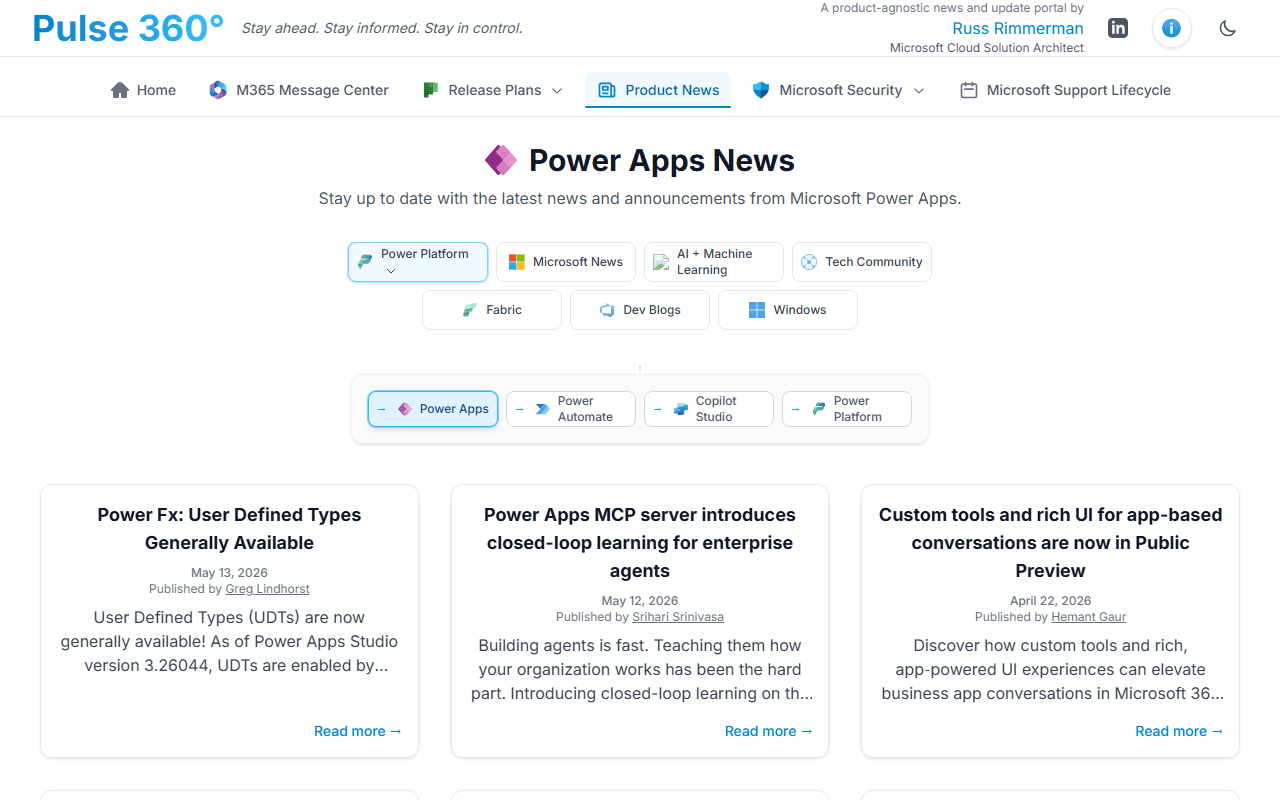
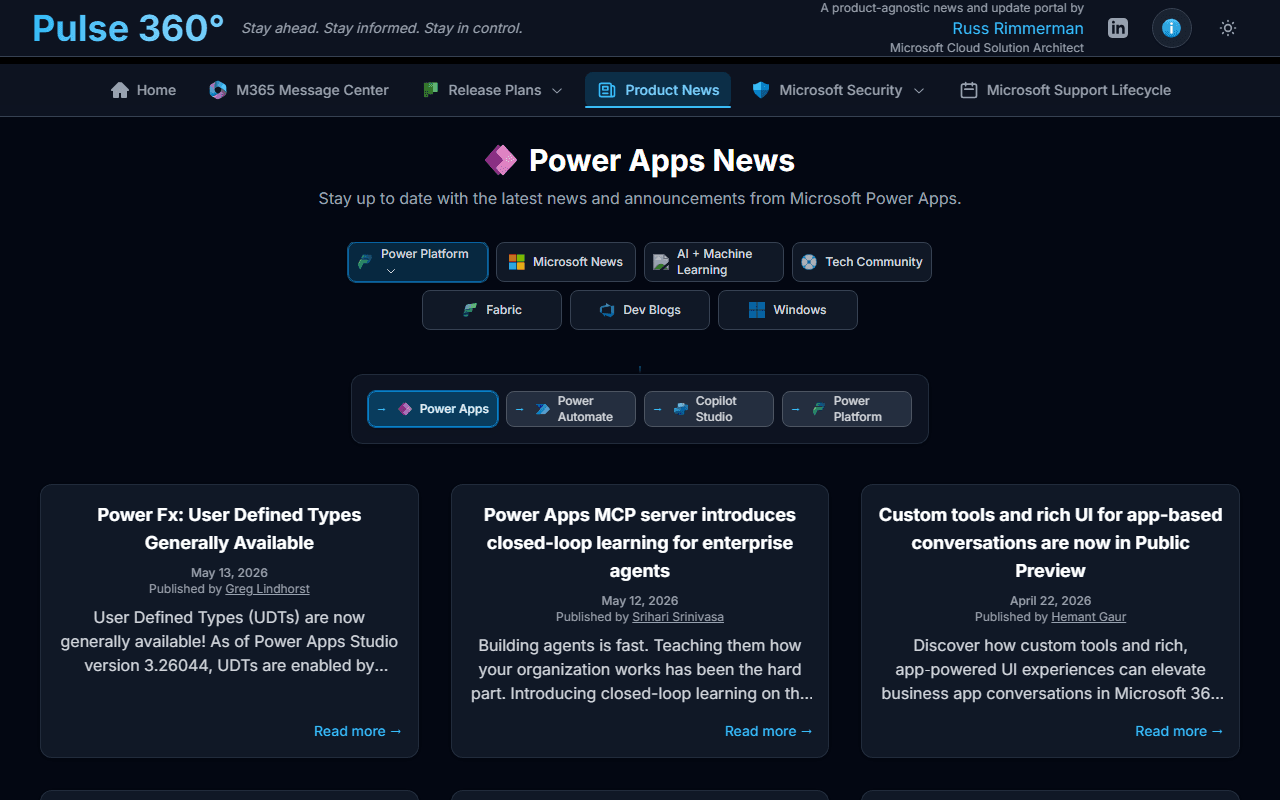
📰 Product News
Aggregated blog and RSS feeds from across the Microsoft ecosystem, all in one hub. Individual sub-feeds include:
- Azure AI Foundry
- Azure AI / Machine Learning
- Copilot & Copilot Studio
- Microsoft Fabric Blog
- Power BI, Power Apps, Power Automate & Power Platform
- Semantic Kernel
- Microsoft Learn Blog
- Microsoft News & Tech Community
- VS Code & Windows Blogs
- All Things Azure
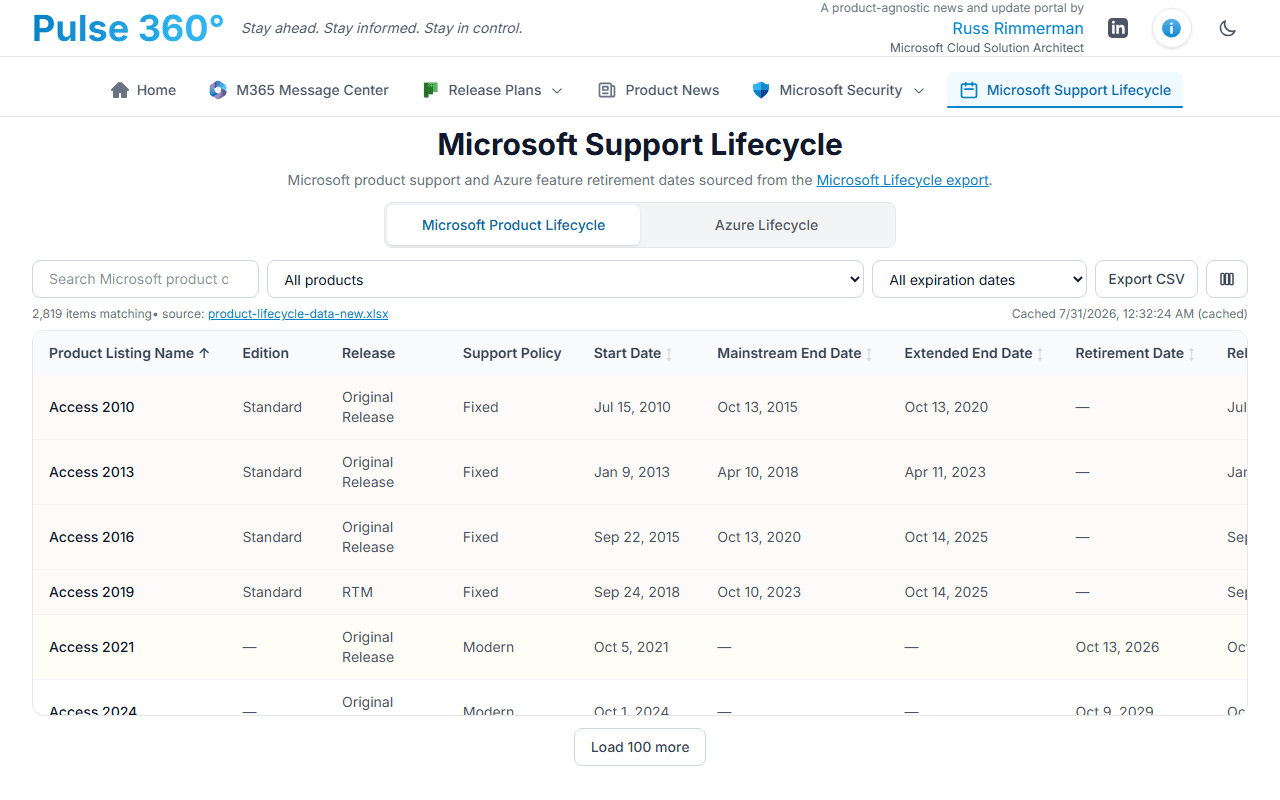
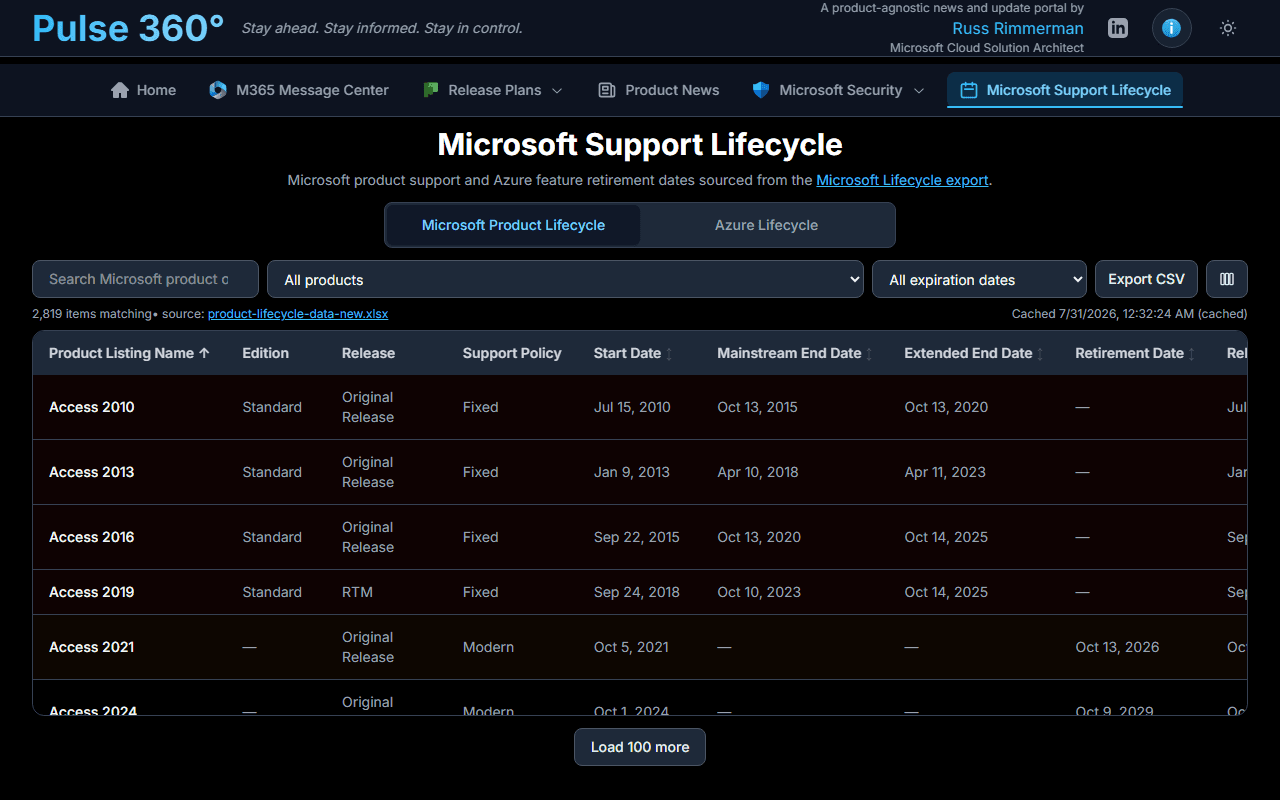
🕒 Microsoft Product Lifecycle
End-of-support and retirement dates for Microsoft products, sourced from the official Microsoft Lifecycle export on learn.microsoft.com. Search and filter to track when products in your environment reach end-of-support.
Data Sources
| Feature | Source |
|---|---|
| Message Center | Microsoft Graph API — serviceAnnouncement/messages (app-only OAuth, requires your tenant credentials) |
| MSRC Security Updates | MSRC CVRF API — api.msrc.microsoft.com/cvrf/v3.0 (public) |
| Azure & M365 Updates | Microsoft RSS feeds via a server-side allowlisted proxy |
| Fabric / Power Platform Roadmap | Release Planner API — releaseplanner.azure-api.net (public) |
| Release Plans | Release Planner API for Azure, M365, Fabric & Dynamics / Power Platform (public) |
| Product News | Public RSS / Atom feeds from devblogs.microsoft.com, techcommunity.microsoft.com, powerplatform.microsoft.com, and other *.microsoft.com blog domains |
| Microsoft Product Lifecycle | Microsoft Lifecycle export on learn.microsoft.com (public) |
All public feeds are cached server-side (1–24 hours depending on source). The RSS proxy only fetches from an allowlisted set of *.microsoft.com hosts. No personal data is collected or stored.
Deploy It in Your Own Tenant
Pulse 360° is open source. If you'd like to run your own instance — pointed at your organization's tenant for live Message Center data — clone the repo, create an Entra app registration with the ServiceMessage.Read.All permission, add your credentials to .env.local, and deploy to Vercel or another service that supports Node.js.
github.com/russrimm/Pulse360 — full setup instructions, environment variable reference, and deployment guide are in the README.
How This Site Was Made
This is a vibe coding project — built entirely through prompt-driven development with GitHub Copilot, without memorizing syntax or spending hours on Stack Overflow. The stack is Next.js 16 App Router, React 19, TypeScript, Tailwind CSS 4, and Radix UI. Server Components do the heavy lifting; client components add interactivity.
If you're curious about the approach, reach out to your Microsoft CSAM and ask to schedule a call. Happy to share everything learned along the way — including all the mistakes.
For more articles and perspectives, stop by my blog.
Thanks for visiting! Feedback, ideas, or just want to say hi — email me.